00Open bilateral-stimulation hardware
Bilateral stimulation, built in the open.
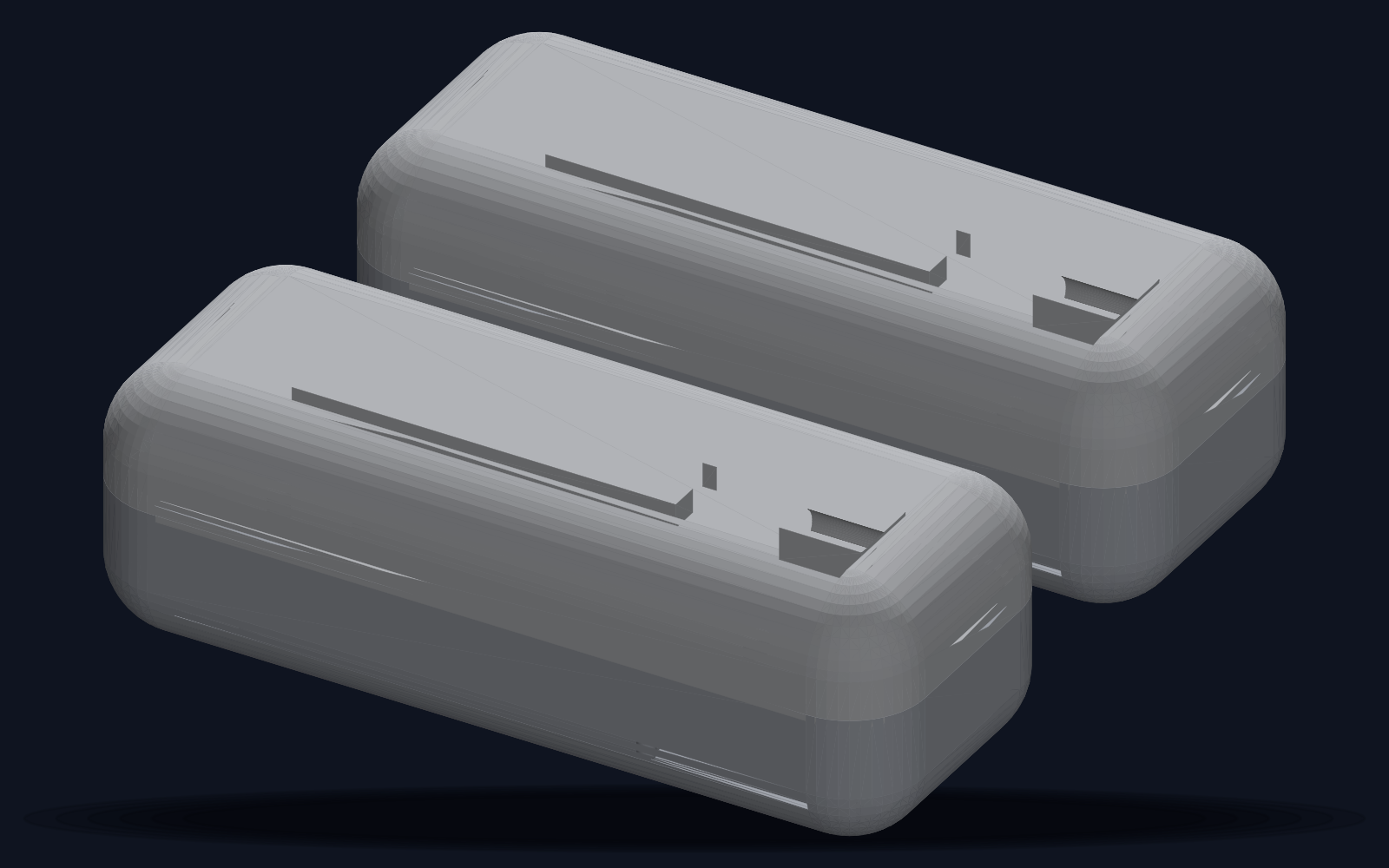
Two wireless tapper pods and a light bar, controlled from any phone. No app, no account, no $800 device. For use in EMDR sessions under the guidance of a trained therapist.
Designed with therapists, built in the open.
01How it works
Three steps, no setup screen.
02In session
Continuous by default. Sets when you want them.
Stimulation runs until someone stops it. The therapist decides when a set ends — not the hardware.
Presets
One tap sets the speed and the channel for the phase you are in. Every slider still moves afterwards.
Pause / Resume
Freezes the sweep in place without ending the set or the session. Nothing resets, nothing restarts.
Speed ramp
Each set eases in from 60 % to full speed over the first ten movements, instead of starting at full tilt.
Alternate taps / lights
Odd sets tactile, even sets light — for clients who habituate to one channel.
Tap feel
The vibration starts strong and decays, so it reads as a finger tap rather than a buzz. Switchable.
Session log
One row per set — movements, speed, duration, taps or lights. “New session” clears it.
Stays on the device
The log lives on the page the kit serves your phone. Nothing is uploaded, and there is no account to upload it to.
03Audio bilateral
Three channels, one clock.
Taps, light and sound all run off the same beat. Use the earbuds you already own.
Bluetooth earbuds, in time
The phone plays the sound itself, scheduled from the kit’s own beat clock — no dongle, no extra box, no cable to the kit. Wireless earbuds play a fraction of a second late, so a Bluetooth delay control shifts the sound earlier until the click lands exactly on the tap.
04Telehealth mode
The therapist drives, the client holds the brake.
1 · Client gets a code
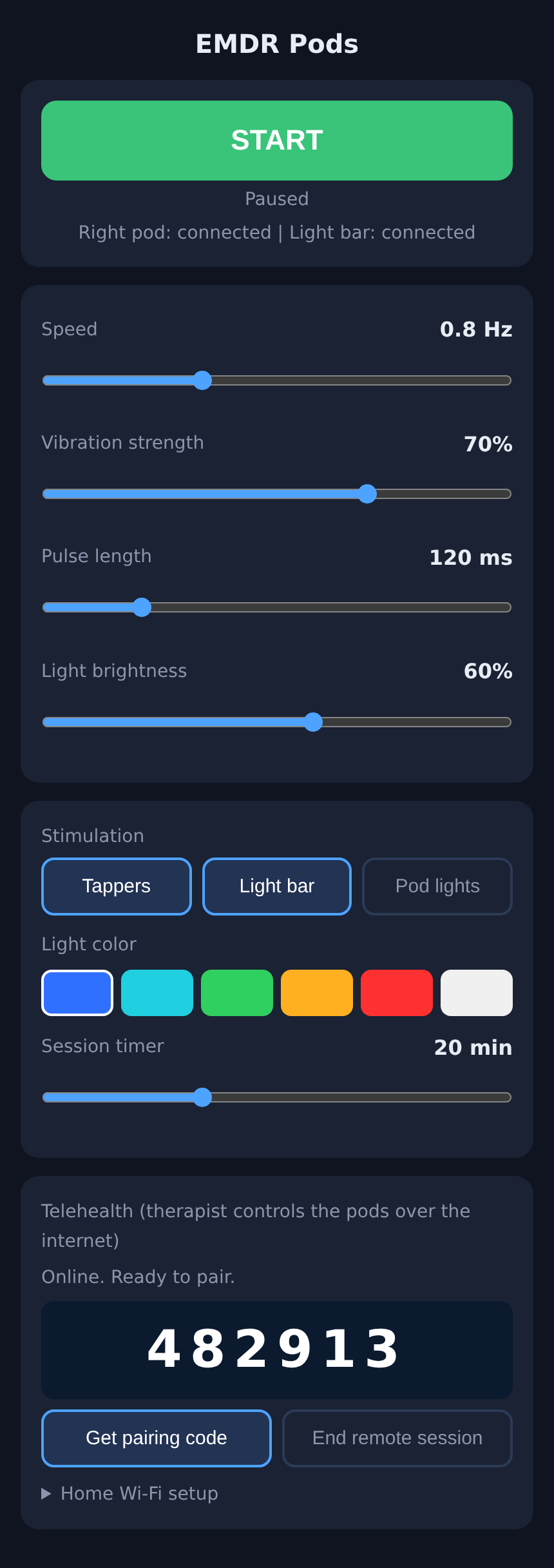
The client taps “Get pairing code” and reads the 6 digits to the therapist.
2 · Therapist enters it
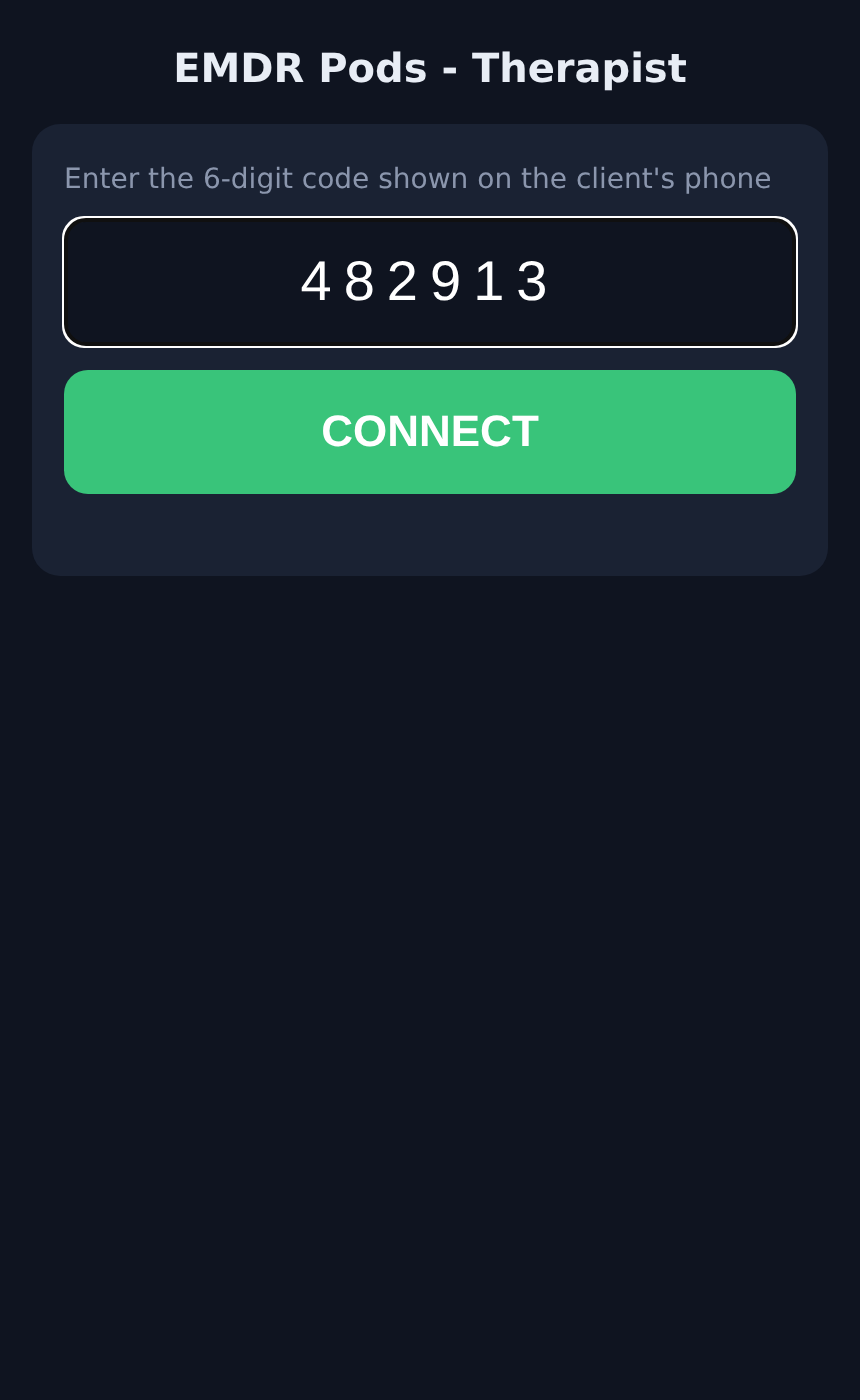
The therapist enters the code on a web page and gets the same controls.
The therapist gets the same sets, presets and pause — nothing is missing over video
Codes last 10 minutes and are single-use
A session lasts 2 hours
Only device settings cross the internet — no names, no notes, no health data
Works over the client’s home Wi-Fi; nothing to install
05Controls
Every setting, on the phone already in your pocket.
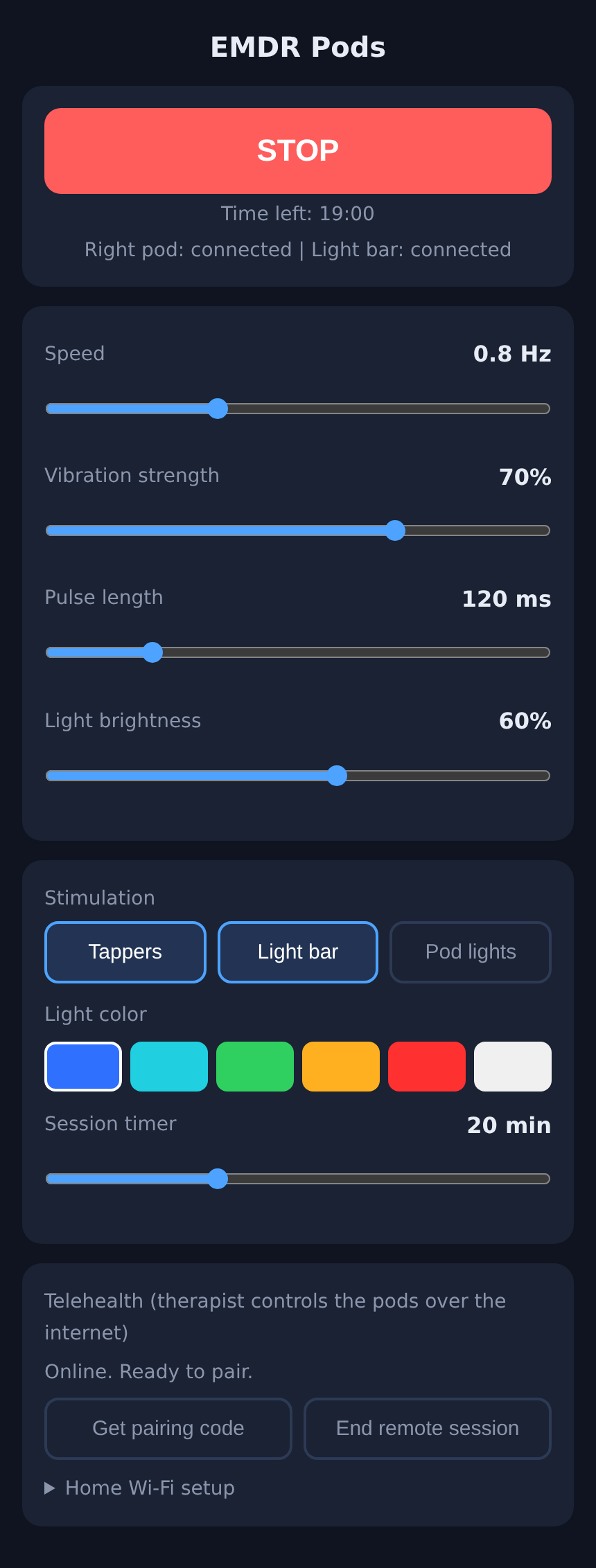
- Speed
- 0.2 – 2.0 Hz
- Presets
- Desensitize / Install / Body scan / Resource
- Set length
- Continuous, or 4 – 60 movements
- Vibration strength
- 0 – 100 %
- Pulse length
- 50 – 400 ms
- Light brightness
- Adjustable
- Audio bilateral
- Wired or Bluetooth, delay-compensated
- Session timer
- Auto-stop
- Outputs
- Tappers / Light bar / Pod lights / Audio
Six light colours
- Blue
- Cyan
- Green
- Amber
- Red
- White
06Inside the kit
The boards and the stack, exactly as built.
Nothing custom-fabricated. Every module below is a standard part, wired with jumpers and screw terminals, running one open firmware.
07Built to be built
Open hardware. No soldering.
Keep scrolling — the pod opens up and every part is called out as it lifts away.
3D-printed shells
Pods are 118 × 46 × 38 mm in PLA. They print flat, with no supports.
Off-the-shelf parts
ESP32, motor driver, coreless vibration motor, USB-C. Roughly $60–80 in parts for the full kit including the light bar, and every part is a standard Amazon or AliExpress item.
Solderless
Screw terminals and plug-in jumper wires throughout.
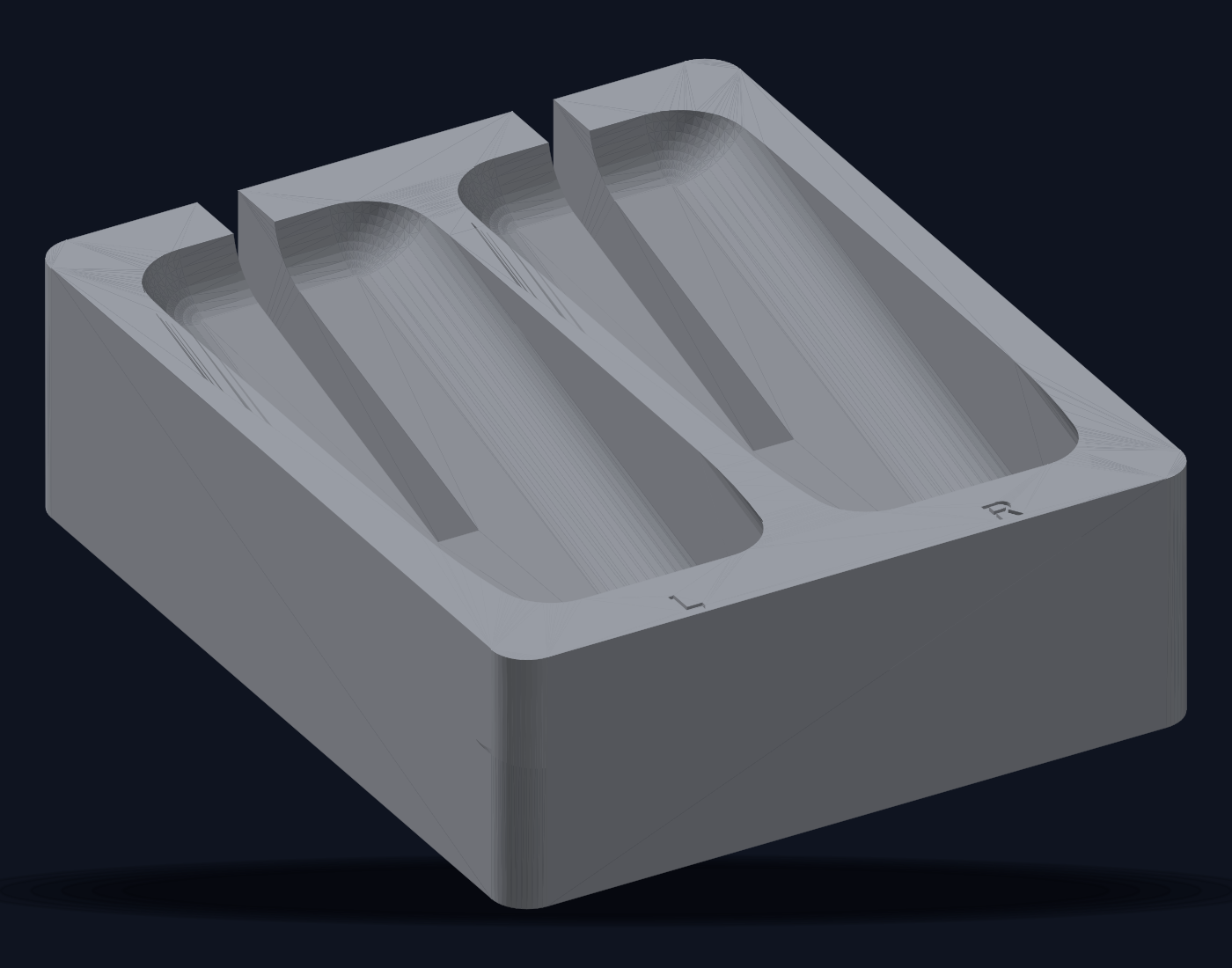
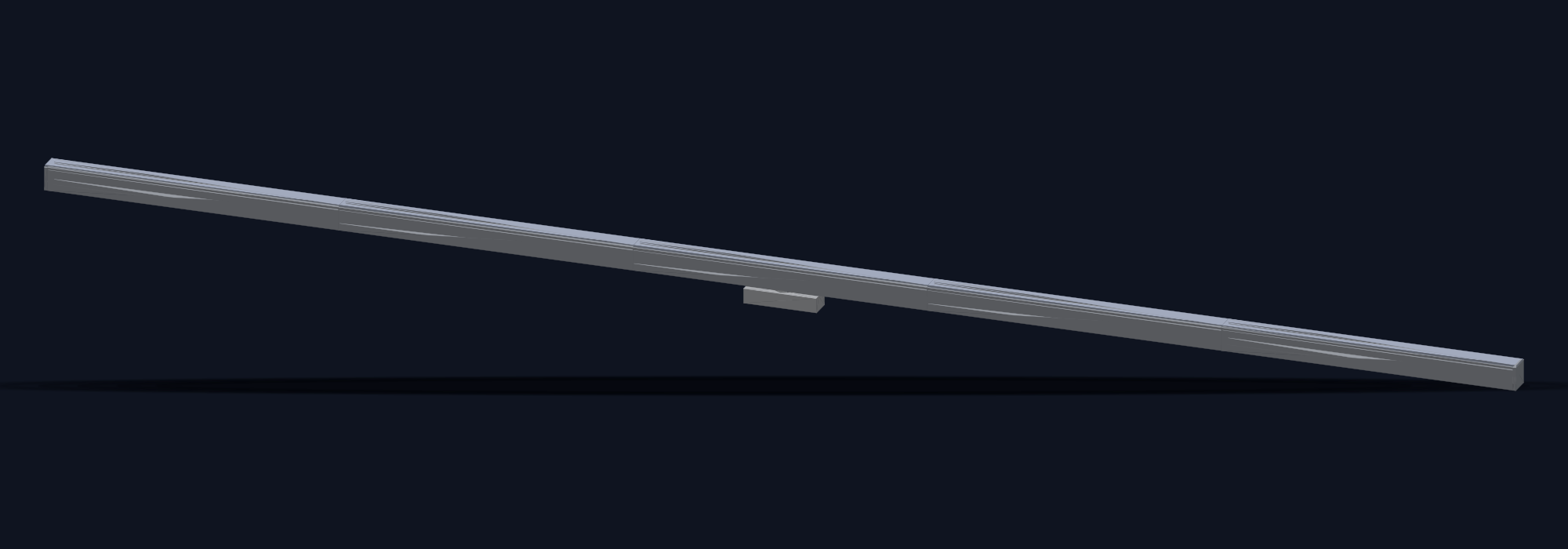
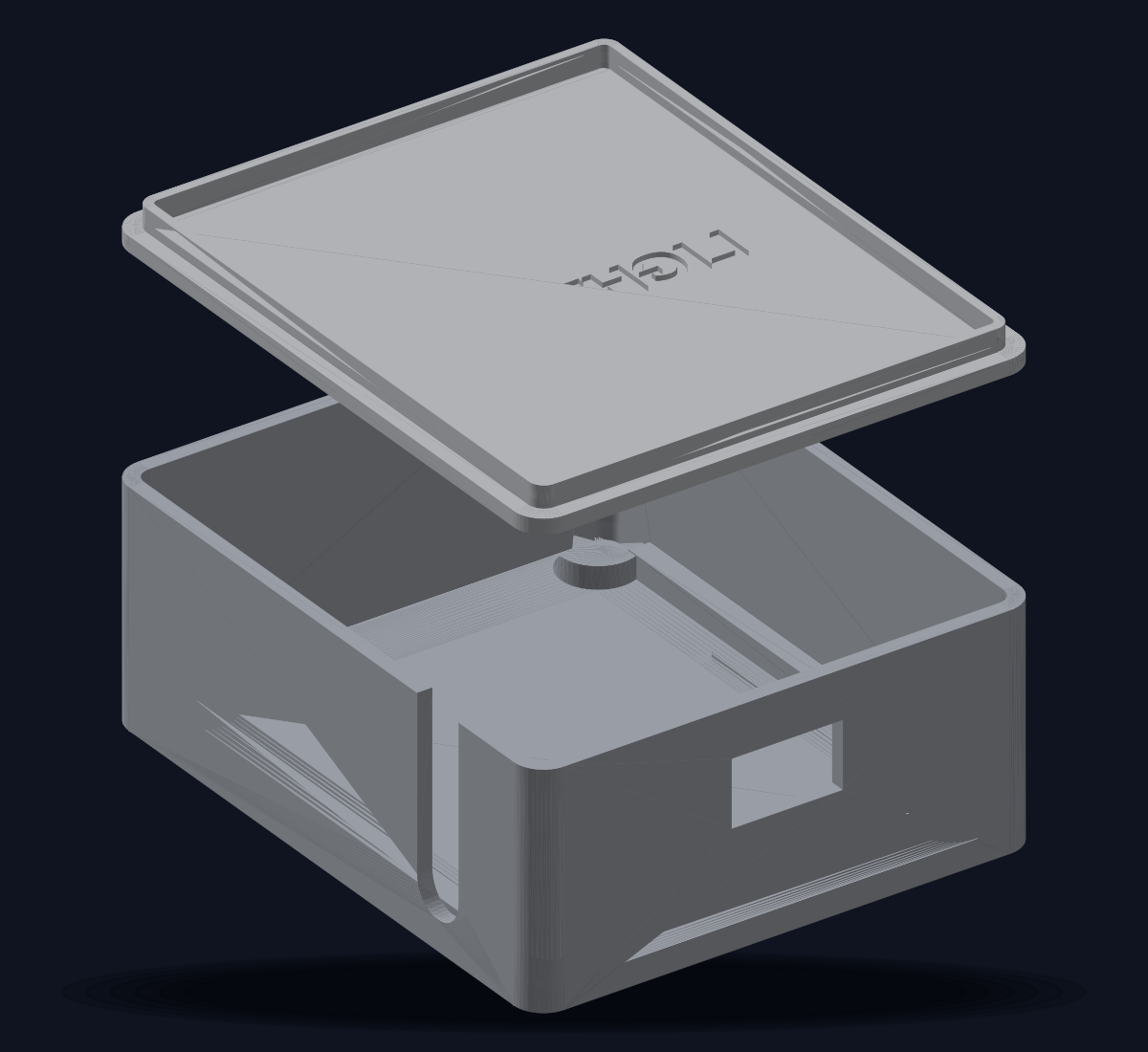
Firmware and CAD are open (Arduino + OpenSCAD). One firmware for all units; role chosen at first boot.
08Updates
Ships better every month.
Updates install themselves, only when you’re not in a session. Leave Auto-update on, or tap Update now. No cable to a computer, ever.
Currently shipping firmware v7
Compiled images and their checksums are published openly, so you can see exactly what the kit installs.
- v7
- Wireless-headphone sync — Bluetooth delay compensation for audio bilateral
- v6
- Sets made opt-in; continuous stimulation restored as the default
- v5
- Clinical structure — presets, pause / resume, speed ramp, session log
- v3
- Telehealth pairing and over-the-air updates
09For therapists
In the room and between sessions.
Client autonomy and privacy
The client always holds the STOP. Nothing but device settings ever leaves the home. There are no accounts and no data collection.
Read the research behind the design →10Reserve
Reserve a kit for the first production run.
No payment today. Pricing and a ship estimate go to the reservation list first; you decide then. Buying for a practice? Request a clinic quote.
11FAQ